Where do I download the app?
Select Download the App above to find the iOS and Android options for your phone or tablet.
Get your Game Beacons ready for game night. Start with the setup checklist below, download the companion app, or watch a video for the mode you want to play.
Start with one beacon per player. Charge the beacons, place them at the table, choose the turn flow, and test a few handoffs before starting a longer game.
Watch the power-on and pairing videos to get started, then choose a guide for turn order, simultaneous play, or Hybrid Mode. You can also learn how to set player colors and save presets.
For help with charging, pairing, or game settings, email info@nexusworkshop.com. Tell us how many beacons you are using, what you tried, and what happened.
Select Download the App above to find the iOS and Android options for your phone or tablet.
No. Use the app to choose settings, presets, or advanced modes, then play using the beacons. You do not need to keep a phone open during play.
Choose finished hardware for your table: $49 per beacon, $189 for a 4-pack, or $279 for a 6-pack.
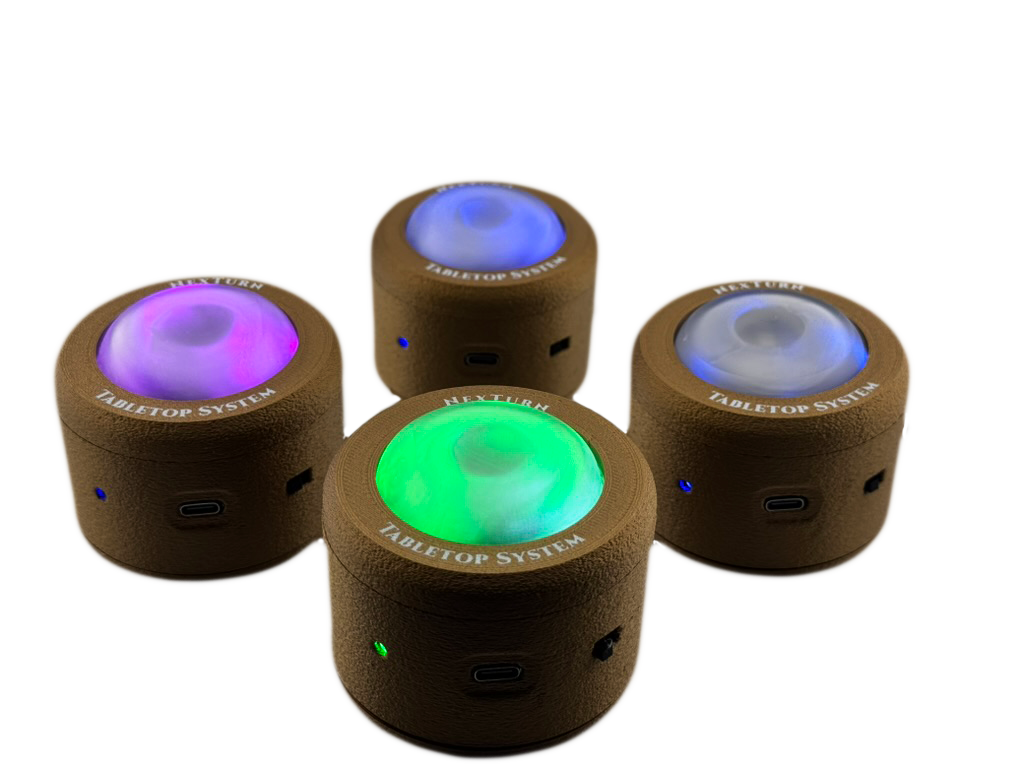
A ready-to-play 4-beacon starter pack for smaller board game nights.
Available now - US only View option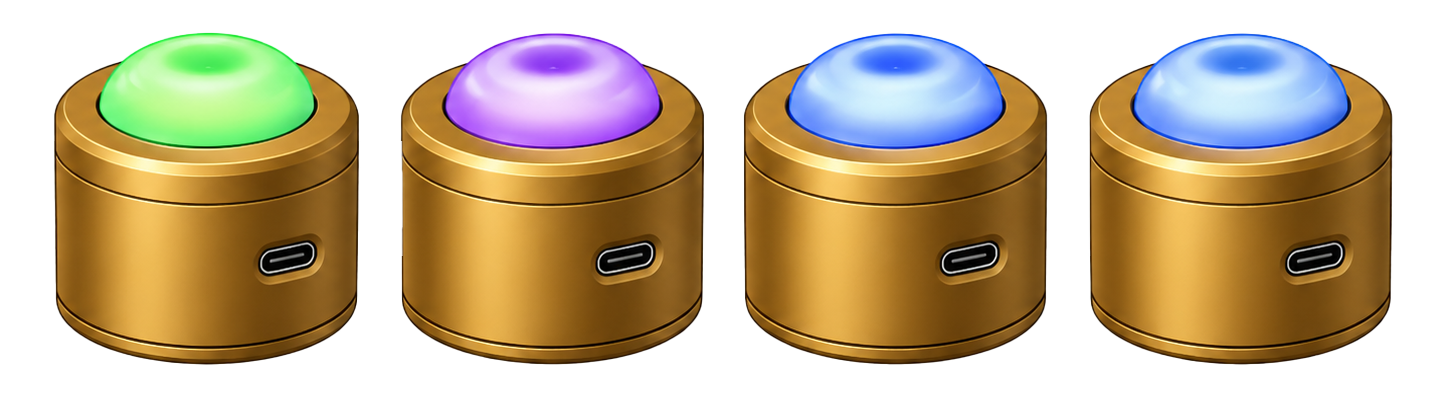
A finished 6-beacon setup for groups that often play 5-6 player games.
Available now - US only View option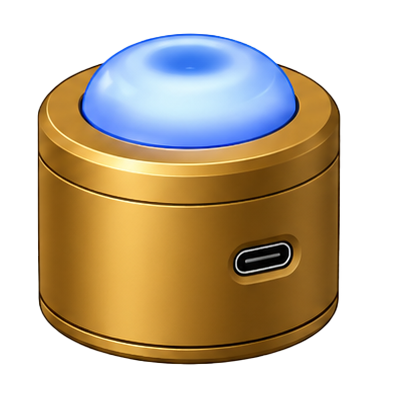
One finished rechargeable beacon. Add a seat to your table or build a custom set.
Available now - US only View option