NexTurn Overview | Board Game Turn Tracking System
A quick walkthrough of the NexTurn hardware, companion app, presets, game modes, timers, player colors, and firmware update path.
Open on YouTubeUse this page to find the right NexTurn training video without scrubbing through the full playlist. Videos are grouped by setup, core play modes, player feedback, and advanced app workflows.
The embedded sections below are grouped by task. The YouTube playlist stays available for watching the full training series in order.
Start with the product overview, then watch the basic power-on and pairing videos before game night.
A quick walkthrough of the NexTurn hardware, companion app, presets, game modes, timers, player colors, and firmware update path.
Open on YouTubeThe original tabletop overview showing how wireless NexTurn nodes handle turn tracking without keeping a phone open at the table.
Open on YouTubeHow to start the boxed system, power on one beacon first, add the rest, and confirm the system is ready.
Open on YouTubeHow pairing works when adding beacons, splitting a larger set, or rejoining beacons for a bigger game night.
Open on YouTubeUse these videos when you are choosing the table flow for a game.
The simplest NexTurn mode: one active player, LED feedback, on-deck players, passing the turn, and undo gestures.
Open on YouTubeHow to capture player order directly from the beacons without using the app.
Open on YouTubeHow players mark themselves ready and how NexTurn resets the round once everyone has acted.
Open on YouTubeHow Hybrid Mode combines a lead active player with table-wide confirmation before the next cycle.
Open on YouTubeHow to enable passing, pass from a beacon, skip passed players, and return them when the pass round resets.
Open on YouTubeThese videos explain how NexTurn can make seats and recurring table setups easier to recognize.
Where player colors appear and why color assignments can help larger groups and regular game nights.
Open on YouTubeHow Player Colors Mode uses assigned player colors instead of standard status colors.
Open on YouTubeHow presets store game modes, timers, player colors, passing settings, and other setup options.
Open on YouTubeUse these videos when a game needs more than a basic mode or preset.
How to browse curated and local games, duplicate server games, and run advanced turn flows.
Open on YouTubeAn introduction to staged game flows, round controls, timers, player setup, and mode changes.
Open on YouTubeHow cooldown steps work for games where action timing matters but strict turn order is not enough.
Open on YouTubeThe grouped embeds are meant for support and onboarding. New users can start at the top, while returning users can jump directly to the mode, pairing, preset, or advanced-game topic they need.
The full playlist link opens YouTube in a new tab so customers can watch the complete sequence in order, save it, or cast it during setup.
No. Most users should watch the overview, power-on, and the mode video that matches their first game. Advanced videos are there when the table needs them.
The embedded page is better for finding a specific topic. The YouTube playlist is better for continuous playback, saving, sharing, and watching in the YouTube app.
Finished hardware is the main purchase path. DIY digital files are available for makers who want to build their own nodes.
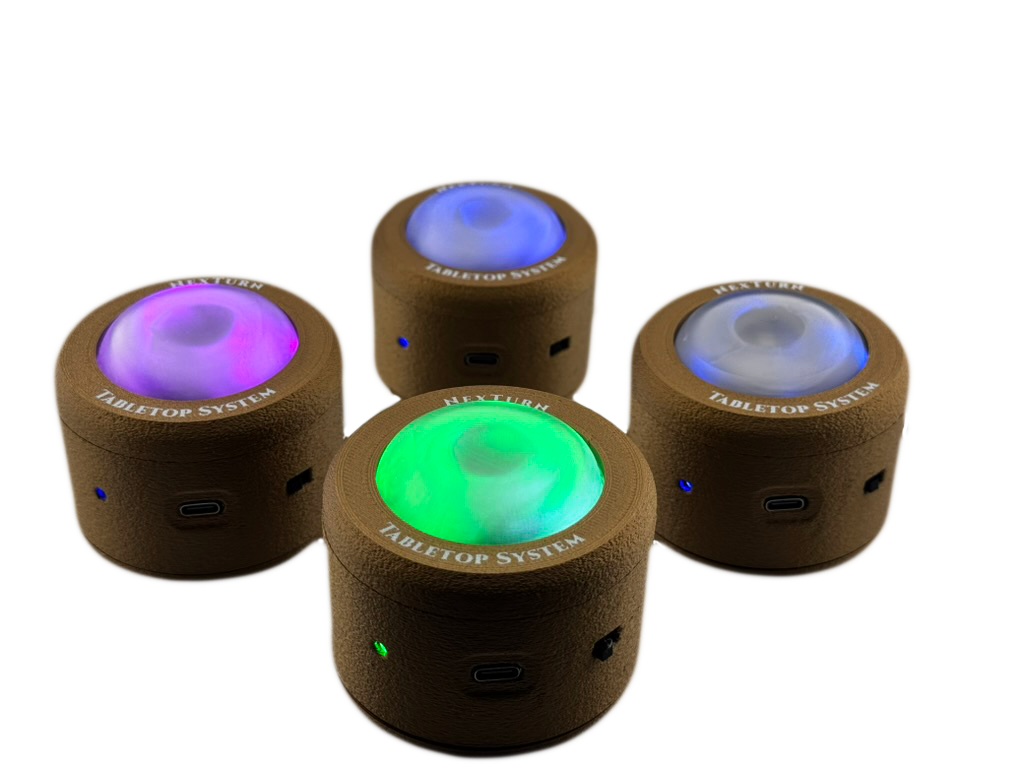
A ready-to-play 4-node starter pack for smaller board game nights.
Available now - US only View option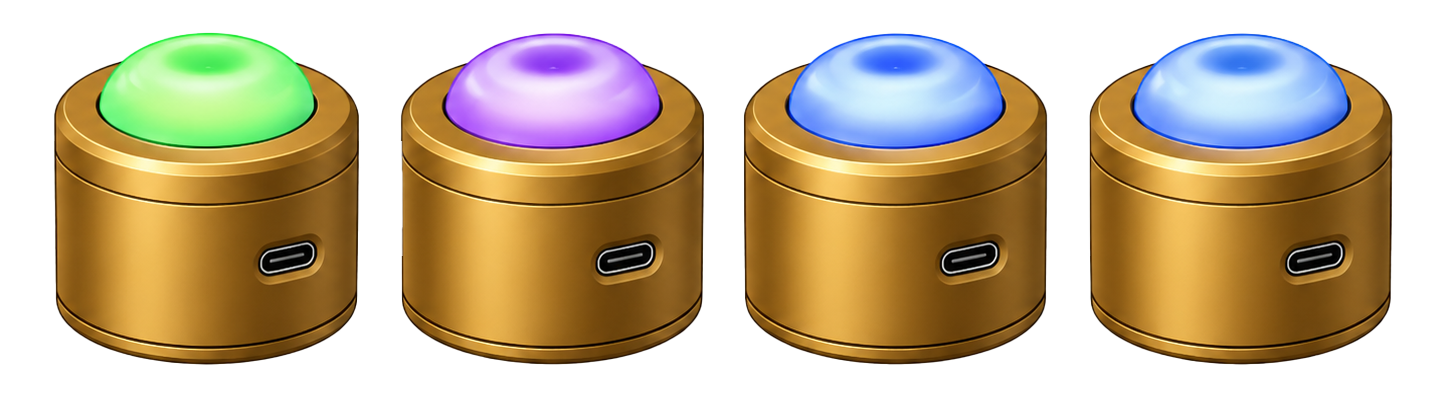
A finished 6-node setup for groups that often play 5-6 player games.
Available now - US only View option
Firmware, printable housing files, and activation for makers building their own NexTurn nodes.
Available now - US and international View option